


7:40 AM  ·  Calm  ·  18%

Your stress,
forecast from
your heartbeat.

StressMonitor turns your Apple Watch heart rate into one calm number. See spikes as they happen, find out what set them off, and breathe back to calm in a minute.

  • Free to use
  • Works with Apple Watch
  • Reads Apple Health
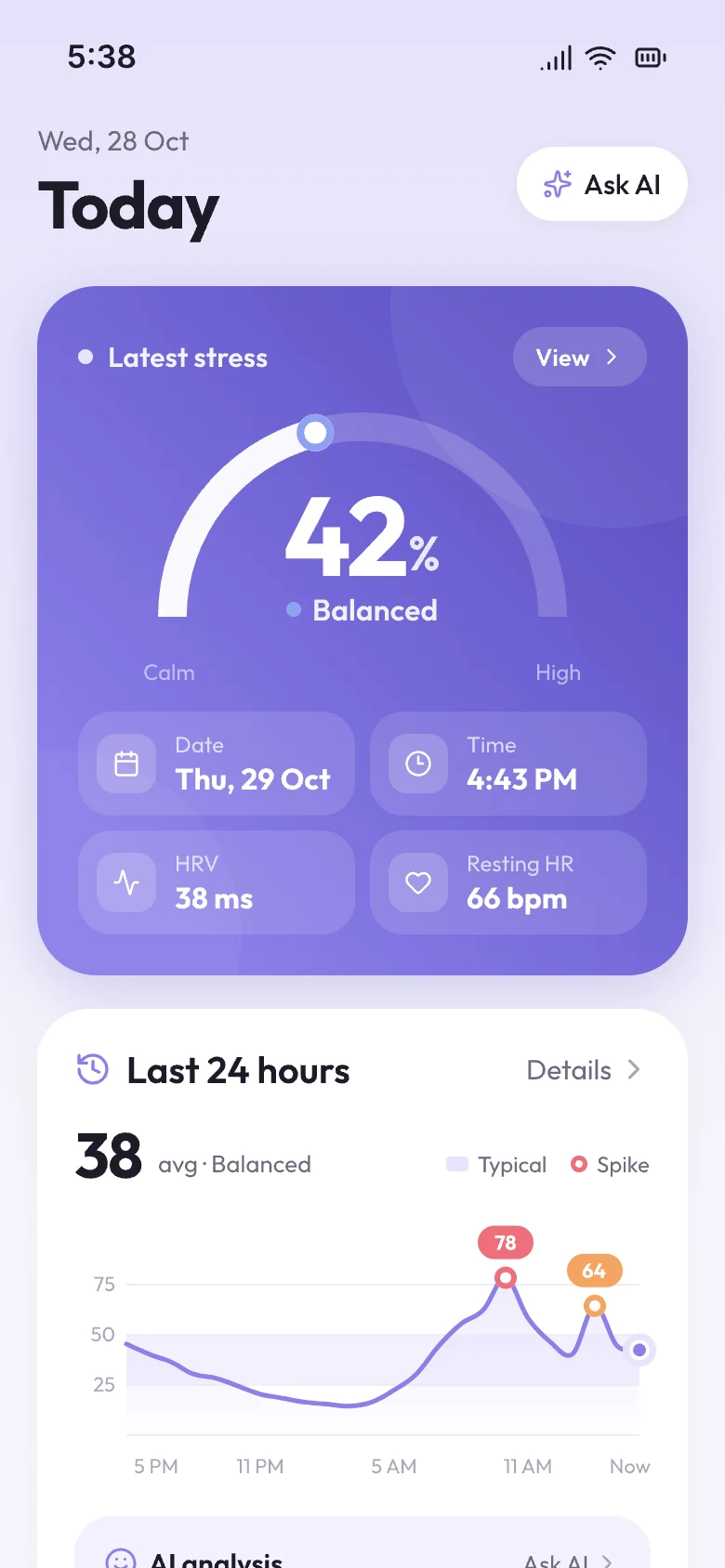
StressMonitor Home screen showing latest stress of 42%, Balanced, with a 24-hour stress chart

How to read it

One number, four skies.

Stress % compares your heart rate right now with your own average from the last 60 days — not with a stranger's. Workouts and sleep are left out. Puff's sky shows the zone at a glance.

Puff the cloud smiling in sunshine

Calm0–24%

Clear skies. Your heart is close to its resting pace.

Puff the cloud content under fair skies

Balanced25–45%

Fair weather. Normal for a busy, focused day.

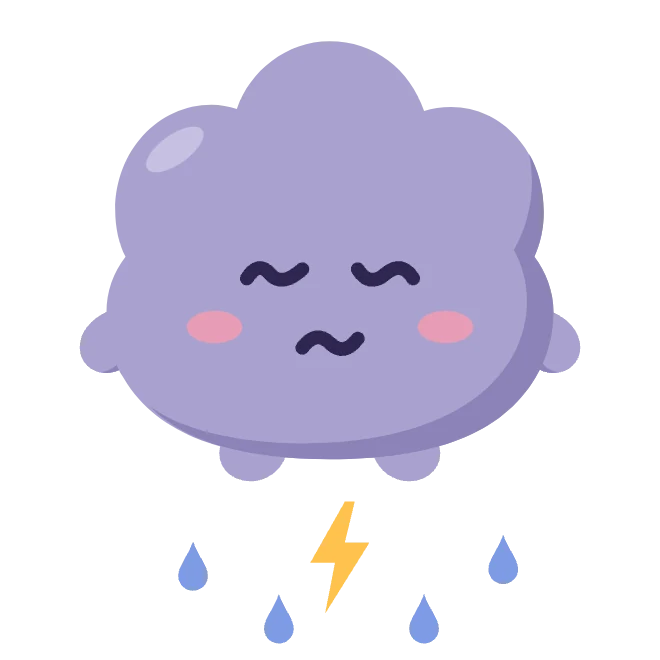
Puff the cloud looking up at drizzle

Tense46–75%

Clouds building. A good moment to pause.

Puff the cloud in a small storm

High76–100%

Storm overhead. One minute of breathing helps.

A day with StressMonitor

From a calm morning to a clear night.

Calm · 18%

Check in without lifting a finger

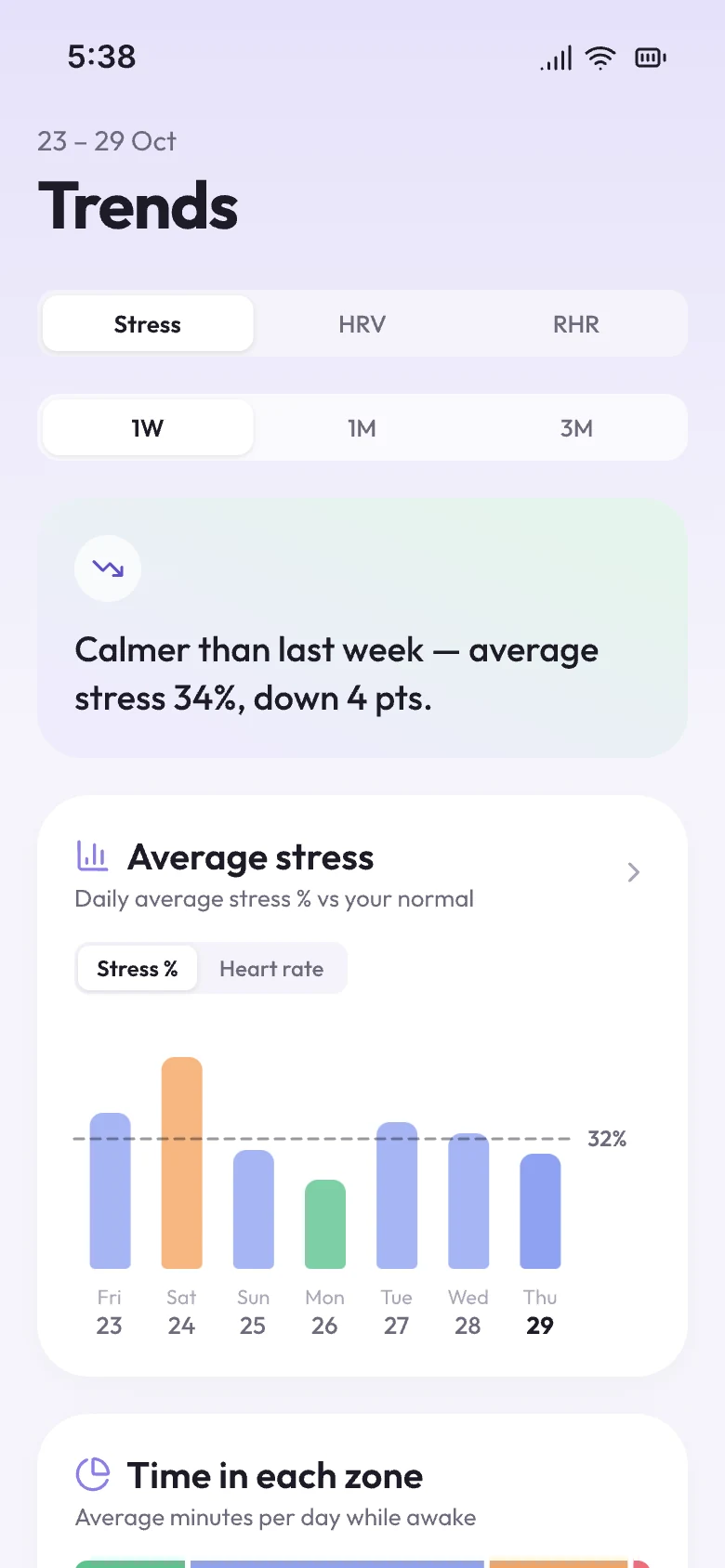
Your Apple Watch already measures heart rate all day. StressMonitor reads it from Apple Health every 10 minutes and draws your day — stress, heart rate, HRV and resting heart rate, each against your own normal.

  • Workouts and recovery are left out automatically
  • Every number comes with a plain-English meaning
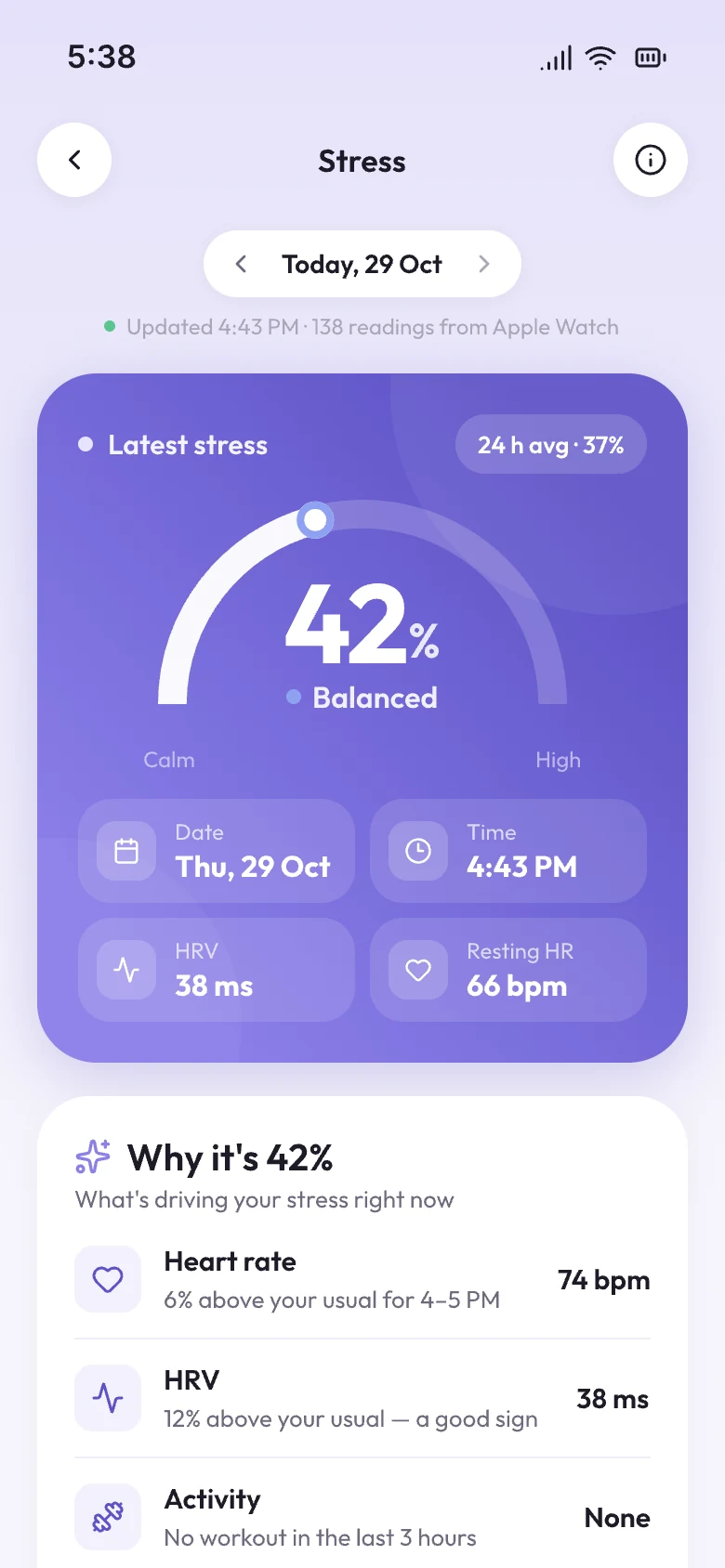
Stress details screen with the day's stress chart

High · 78%

A spike, explained

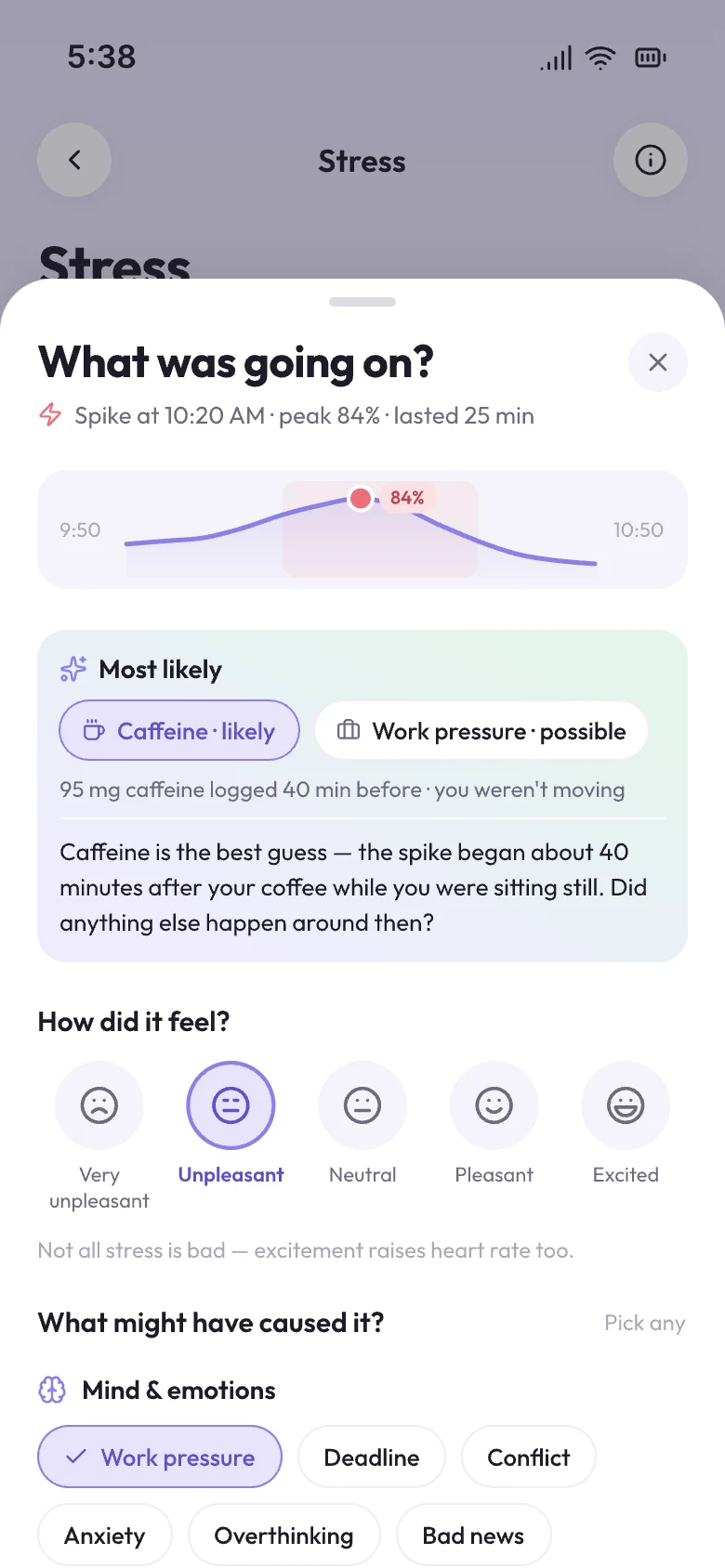
When stress jumps, StressMonitor checks what was going on — a workout, a short night, coffee, a skipped meal — and tells you the likely cause. Tag it in one tap and your patterns start to show.

  • Clear rules pick the cause; AI only puts it into words
  • Tag work, caffeine, commute, sleep and more
“What was going on?” sheet suggesting likely causes for a stress spike

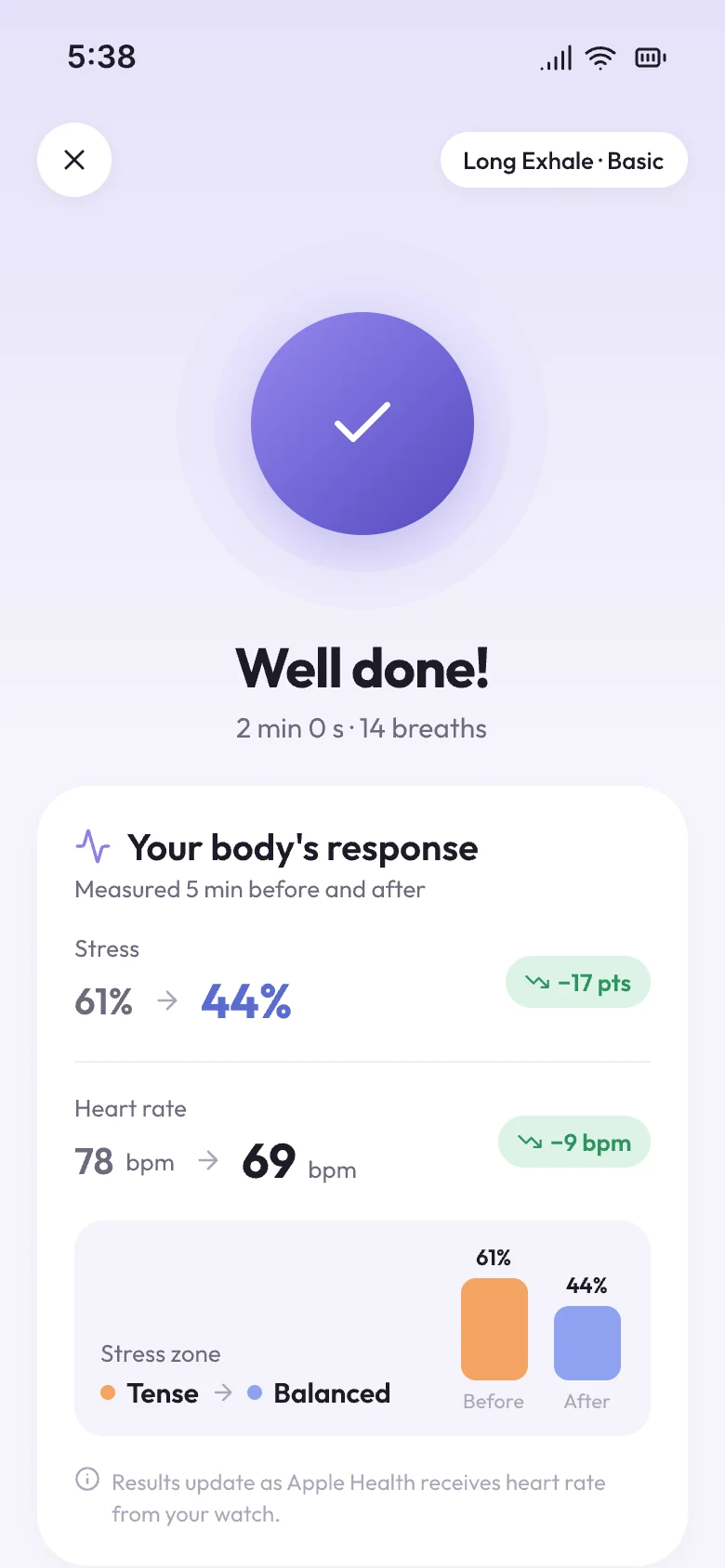
Tense → Balanced

One minute to clear the sky

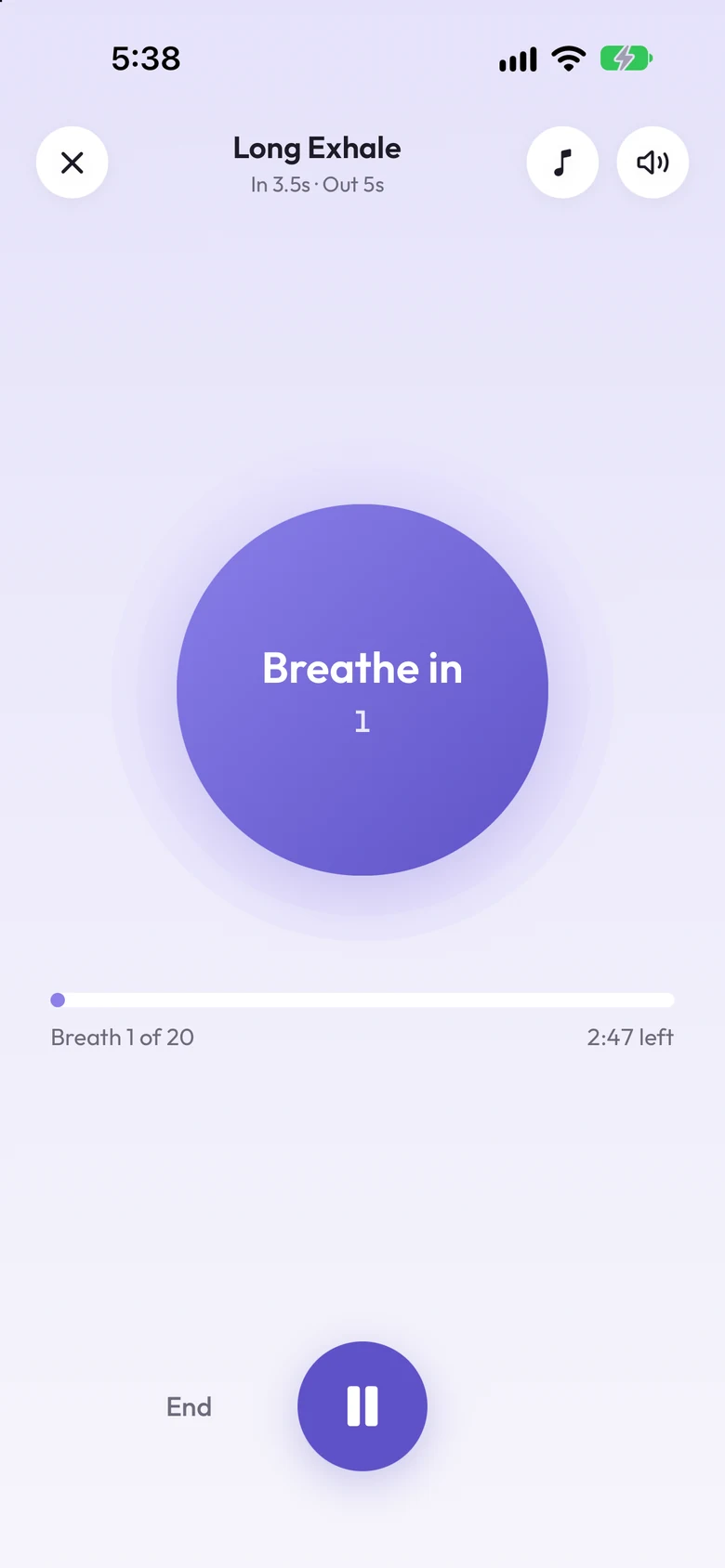
Eight guided breathing rhythms, from Long Exhale to 4-7-8 for Sleep, with gentle sounds. Afterwards you see what changed in your heart rate — and can save the minutes to Apple Health.

  • Every breathing exercise is free
  • A daily reminder, if you want one
Breathing session screen: Long Exhale, breathe in
Breathing result screen showing heart rate before and after

Winding down

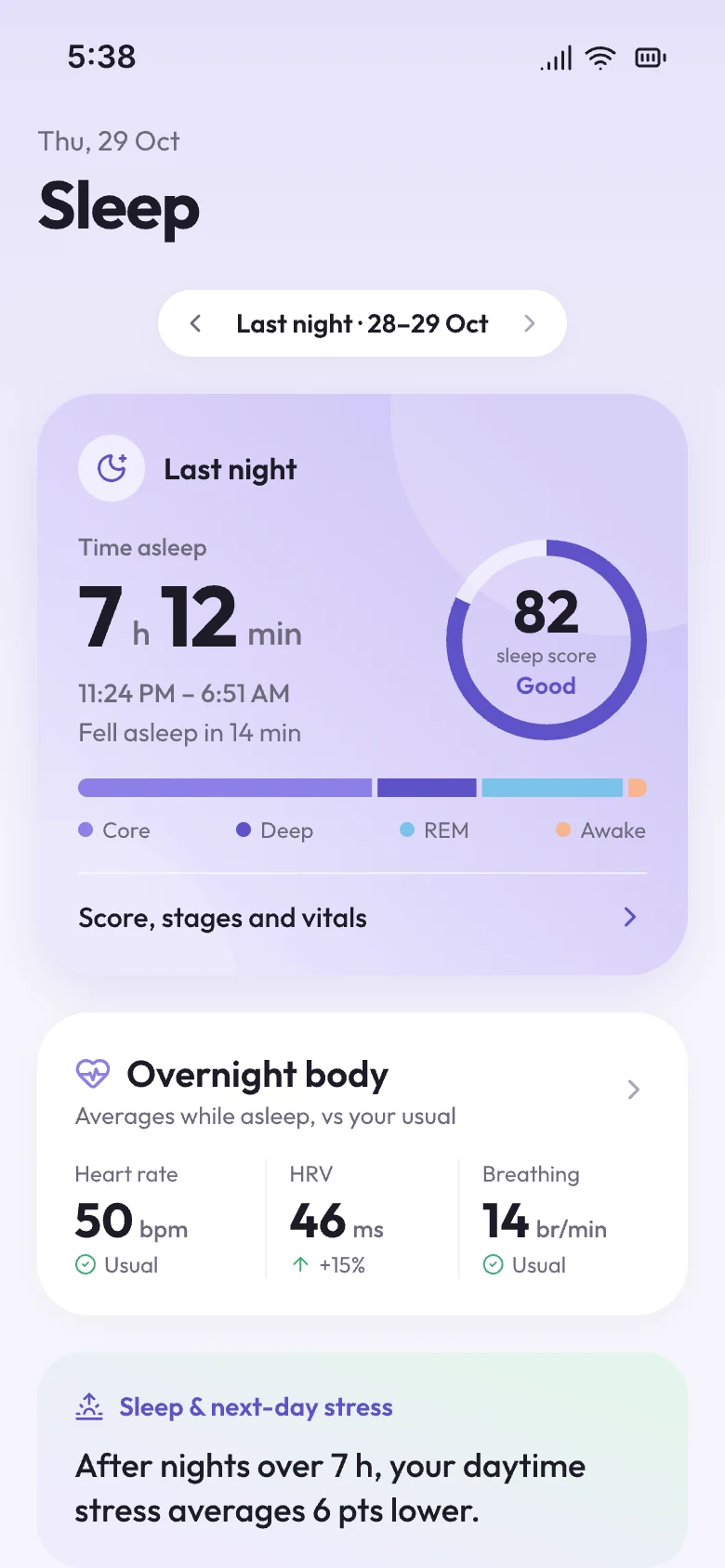
Sleep that explains tomorrow

A 0–100 sleep score from your watch's sleep data, with the stages that made it. With Plus, see how each night shapes the next day's stress.

  • Sleep is left out of spikes and zone time
  • Bedtime and wake-up trends at a glance
Sleep tab with a sleep score and sleep stages

Features

Know your usual, not just today.

Every chart is compared with your own last 60 days, so a busy week reads as a busy week — for you.

A month of weather

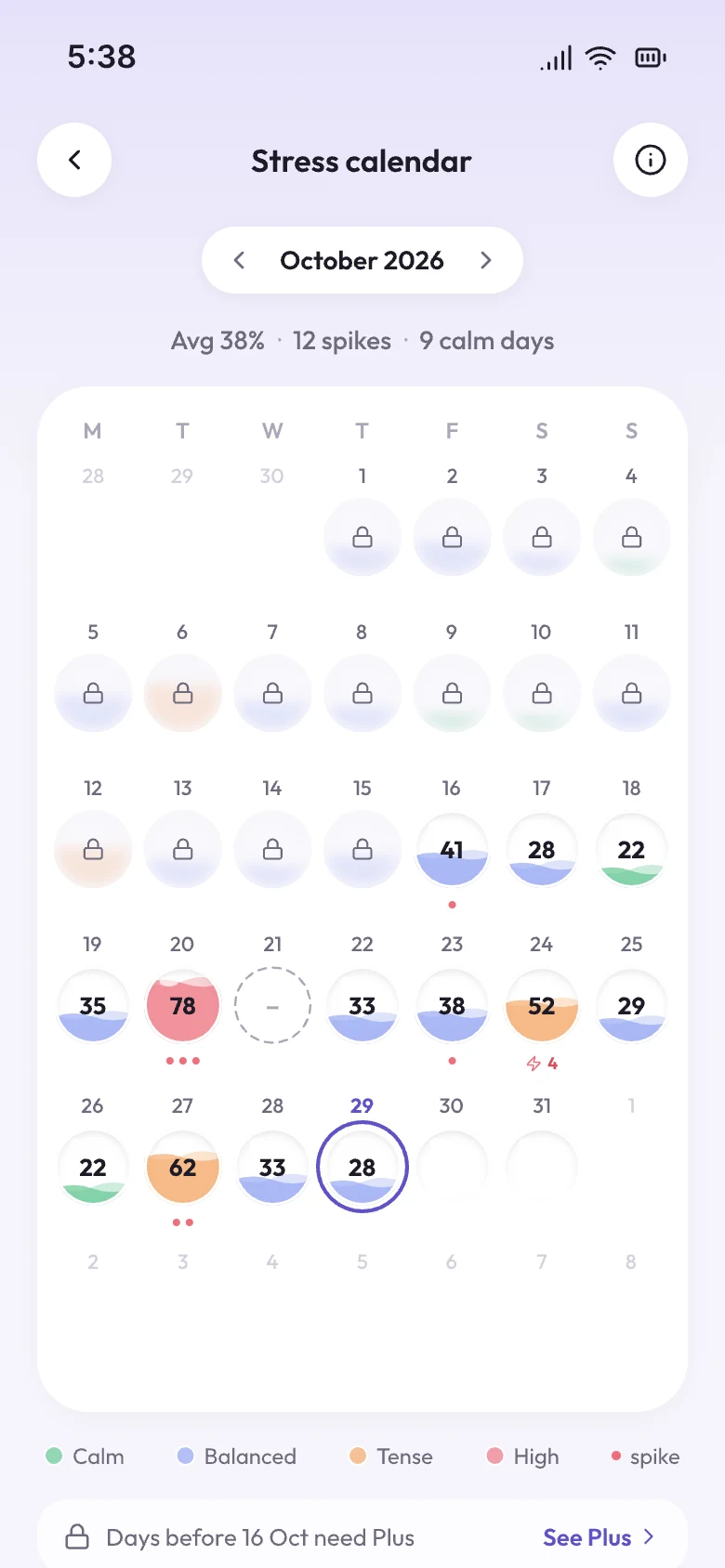
Each day shows its average stress. Tap one to open that day's full report.

Stress calendar with each day coloured by its average stress

Any day, on one page

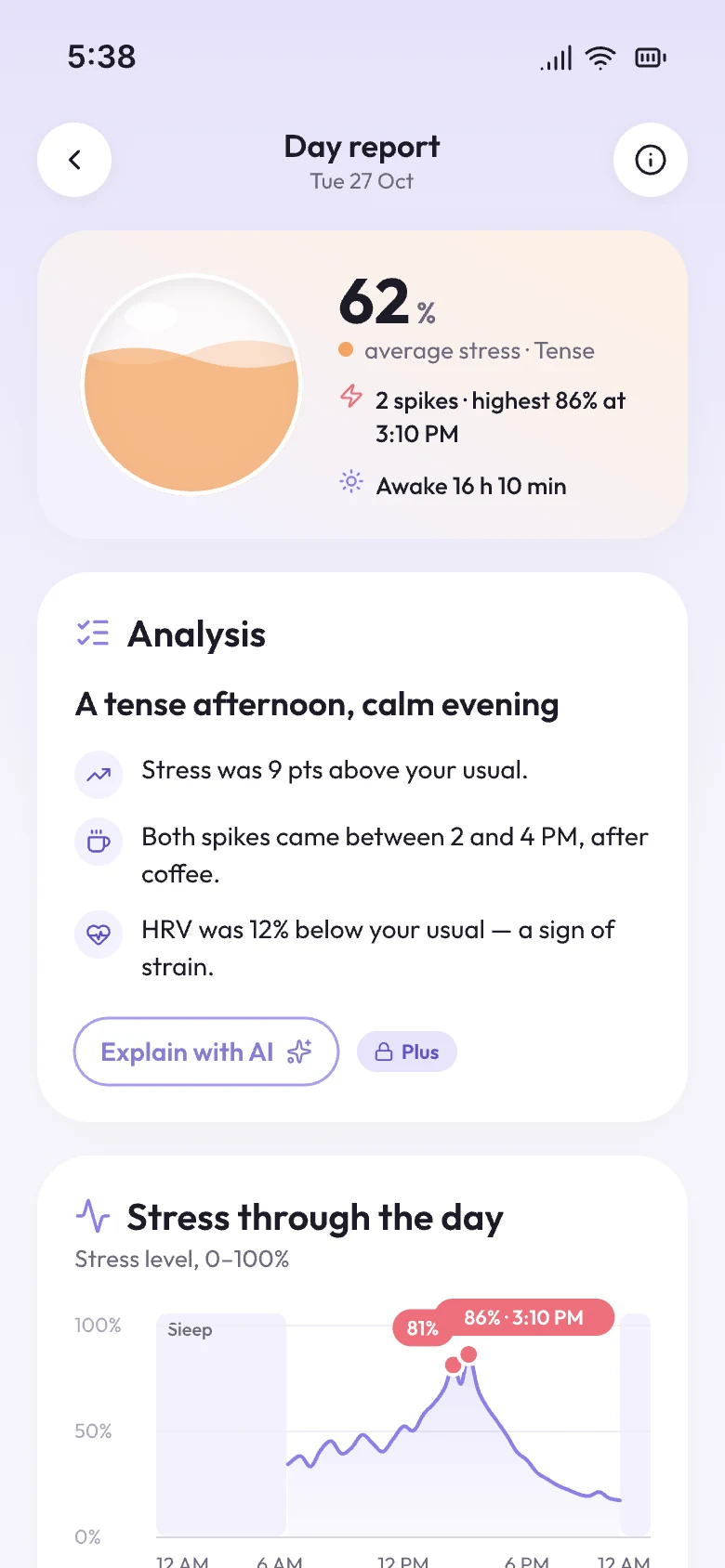
Spikes, calm stretches, sleep and workouts for the day you pick.

Day report for one day

The beats behind HRV

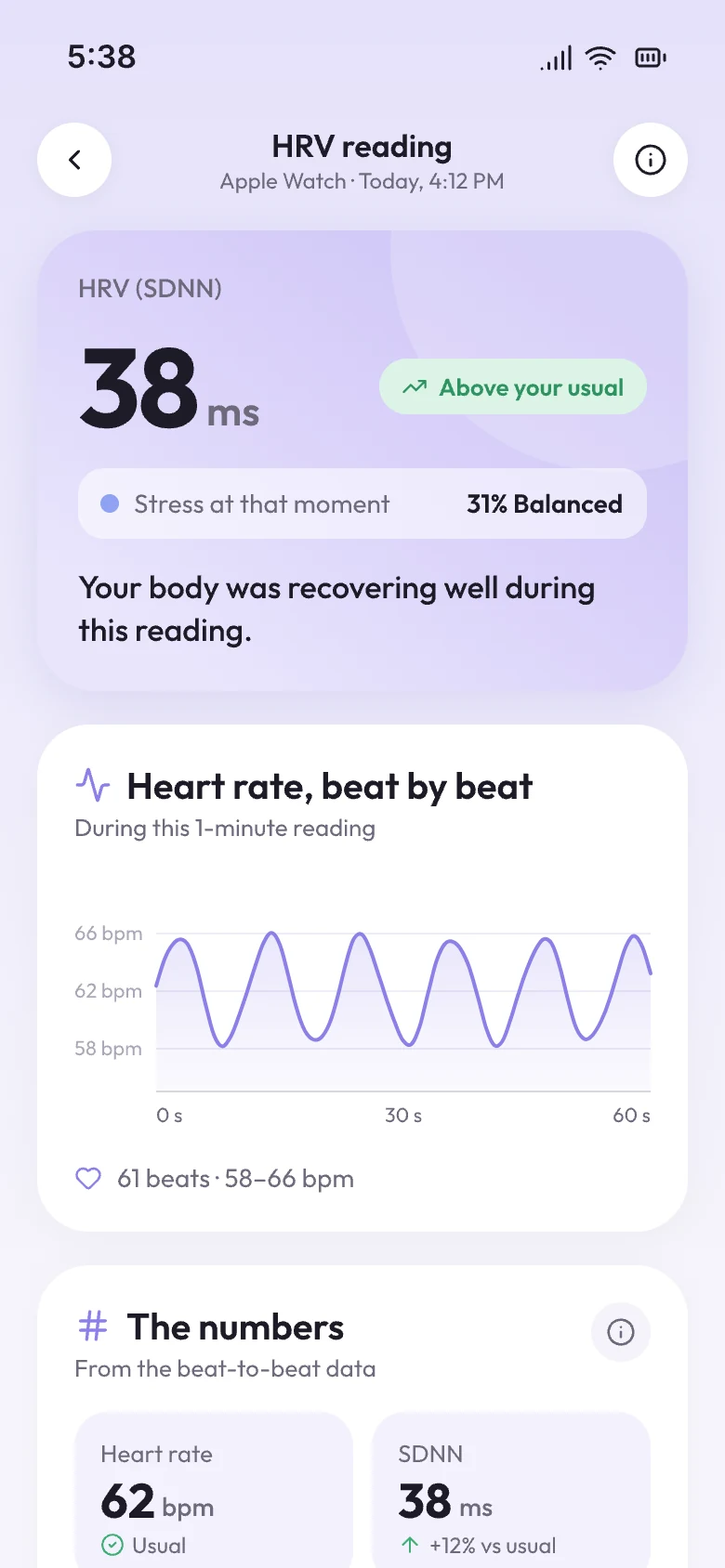
Open any HRV reading your Apple Watch took and see the heartbeats behind it.

HRV reading with the heartbeat series
Plus · Uses AI

Ask what's behind it

With Plus, get a daily read-out in plain words and ask follow-up questions.

Why was Tuesday so tense?

Stress sat above your usual from 2 to 5 PM, after a 5 h 40 min night. Both spikes lined up with back-to-back calls. A short walk at lunch could help.

Sample answer

Watch & widgets

Puff comes along.

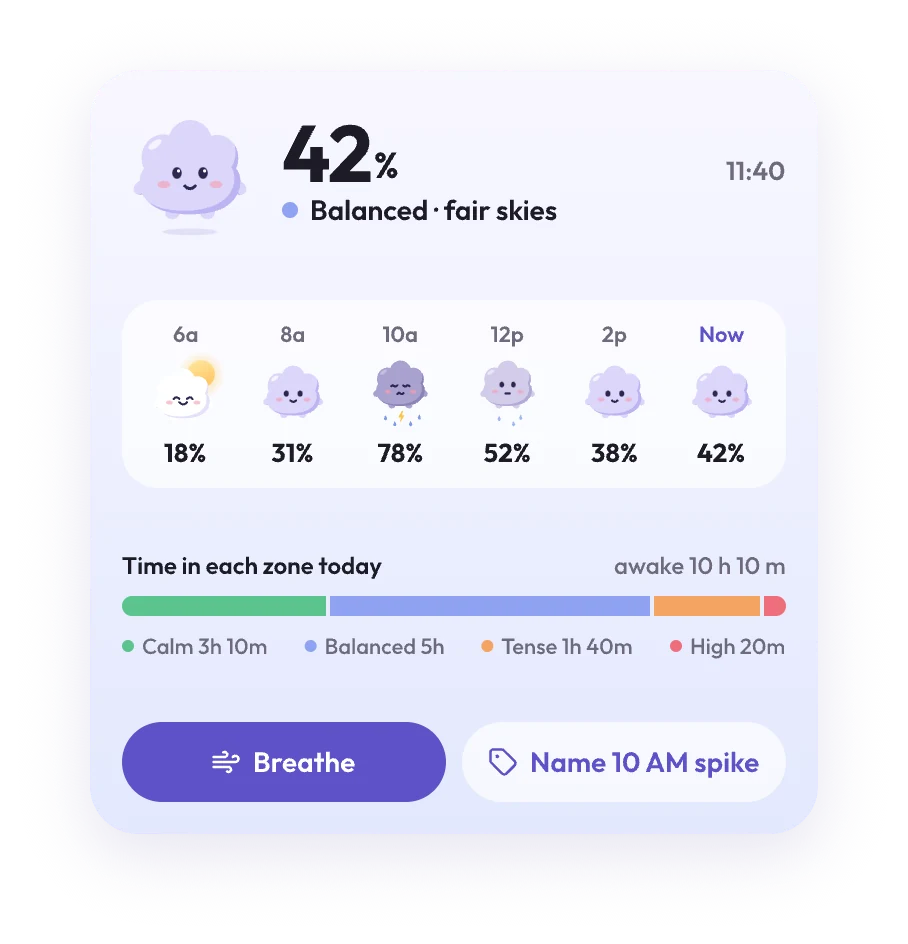
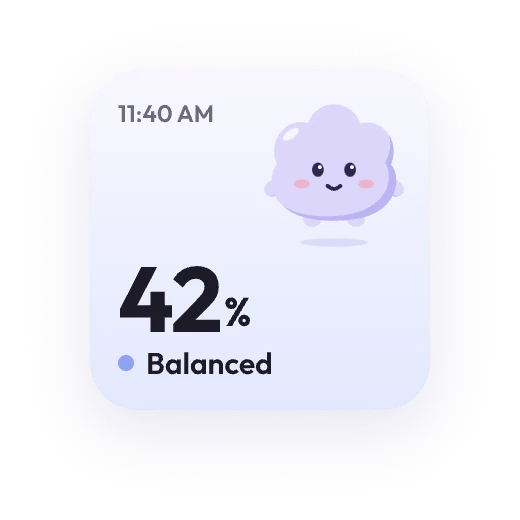
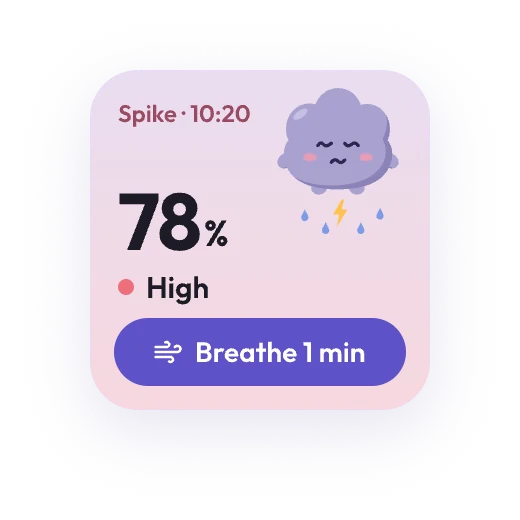
Puff's sky changes with your stress, so one glance at your Home Screen, Lock Screen or wrist is enough. When the sky darkens, Breathe is one tap away.

  • Small, medium and large Home Screen widgets
  • Lock Screen widgets
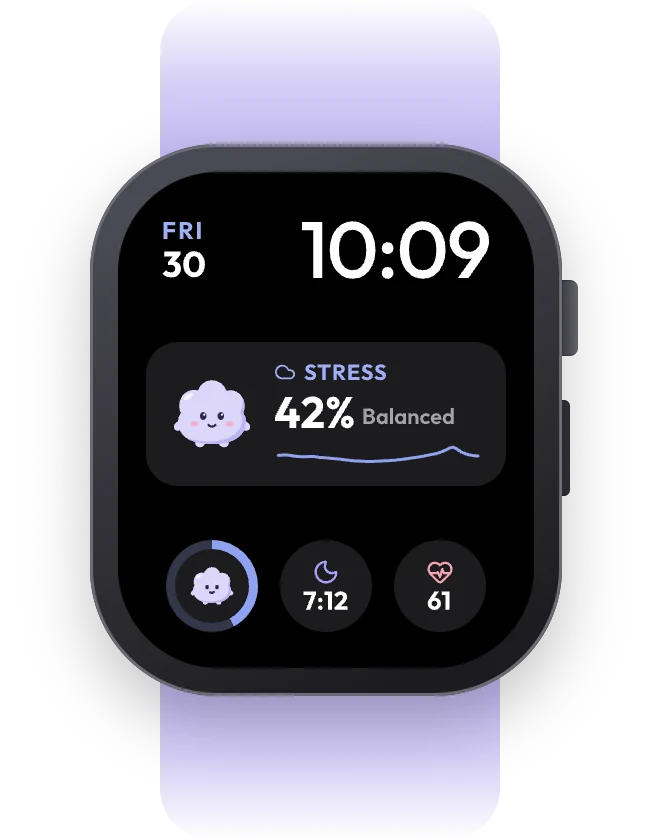
  • Apple Watch app and complications
Large widget: today's inner weather, hour by hour Small widget showing 42% Balanced Small widget showing a 78% spike with a Breathe button Apple Watch face with StressMonitor complications

Privacy

Your heartbeat stays yours.

Read the privacy policy

Reads, doesn't take

Heart rate, HRV, resting heart rate, sleep and workouts from Apple Health. Steps, caffeine and alcohol only if you allow them.

Writes one thing

Mindful Minutes after a breathing session — and only when you switch it on.

Not in analytics

Anonymous app analytics never include your stress, heart rate or spike notes.

AI only if you allow it

Cloud AI is used only after you tap Allow. Otherwise explanations come from your iPhone.

No ads. No finger-on-the-camera tricks. StressMonitor is a wellness app, not a medical device.

FAQ

Questions, answered.

Something else on your mind? We read every message.

Contact support
Do I need an Apple Watch?

Yes. StressMonitor reads the heart rate your Apple Watch records in Apple Health. Without a watch there's nothing to read — and it never measures with the camera.

How is stress % worked out?

It compares your heart rate in each 10-minute window with your own average from the last 60 days. Workouts, the recovery after them and sleep are left out, so a run doesn't count as stress.

Is StressMonitor a medical device?

No. It describes how your body is responding, for everyday wellness. It doesn't diagnose or treat anything. Talk to a doctor about any health worries.

Where does my data go?

Your health data stays on your iPhone and Apple Watch. Cloud AI only runs if you tap Allow, and analytics never include health data. The privacy policy has the details.

What does Plus add?

AI analysis with follow-up chat, patterns in what sets off your stress, 1-month and 3-month trends, and how sleep shapes the next day. Everything else is free.

How do I cancel Plus?

For Plus Yearly, open Settings on your iPhone, tap your name, then Subscriptions, and choose StressMonitor Plus. Cancel at least 24 hours before the trial or year ends so you're not charged again. Plus Lifetime is a one-time purchase, so there's nothing to cancel.